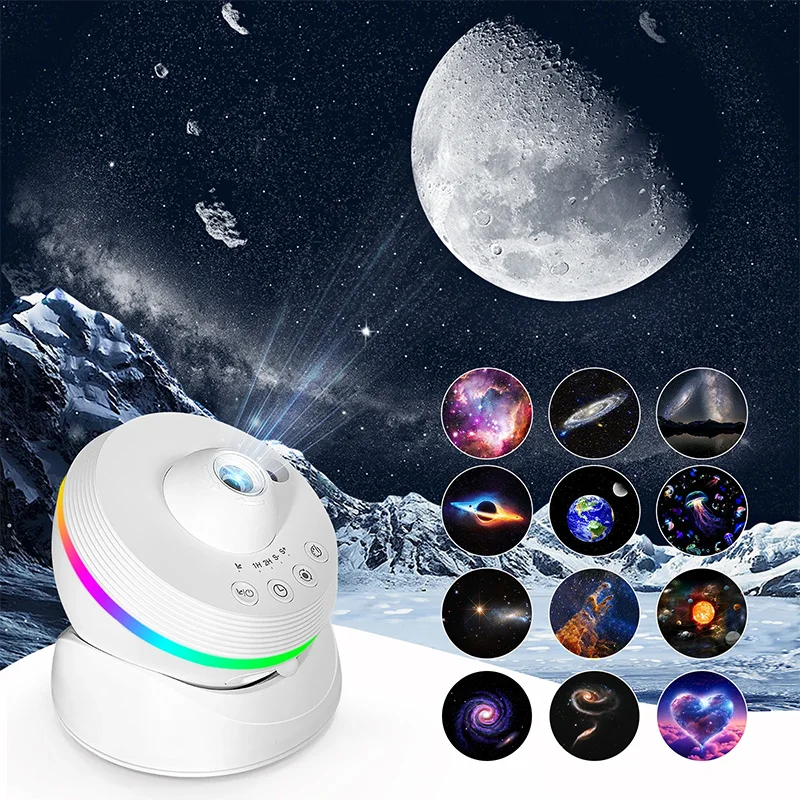
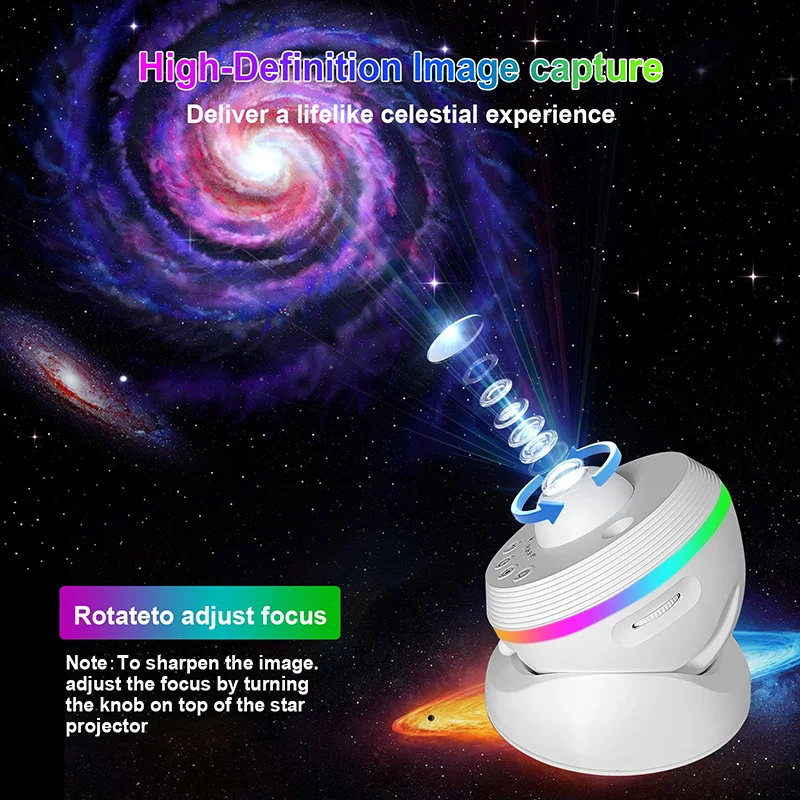
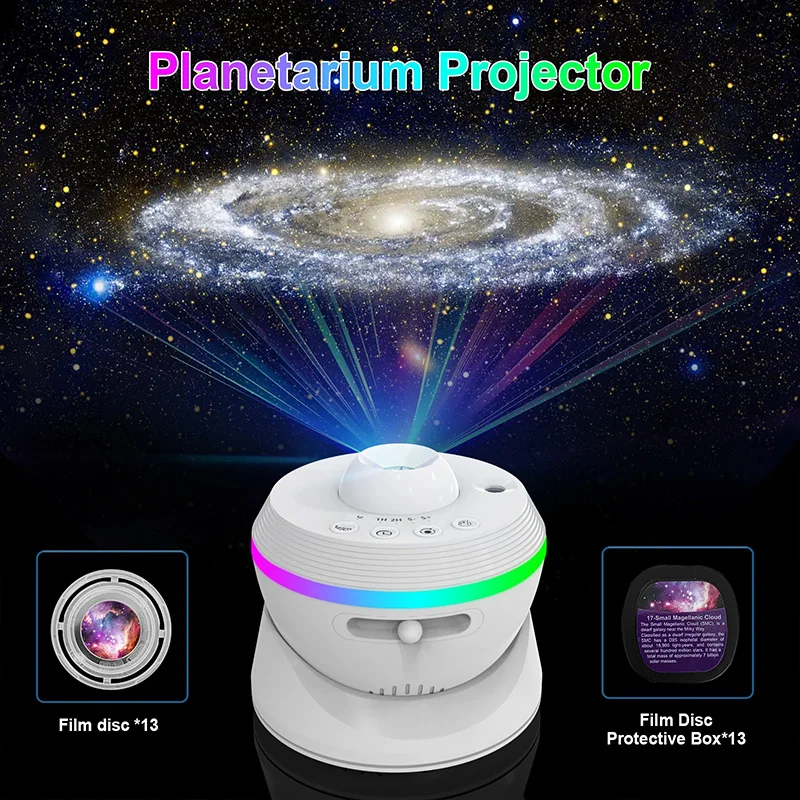
Galaxy Star Projector Lights with Clear Night Light Rotary Space Ball Planetarium Projector Lights for Kids Gift Ceiling Room
Galaxy Star Projector Lights with Clear Night Light Rotary Space Ball Planetarium Projector Lights for Kids Gift Ceiling Room
Couldn't load pickup availability
SPECIFICATIONS
Application: Foyer
Body Color: black
Body Material: ABS
Brand Name: NONE
Certification: ce,EMC,ROHS
Choice: yes
Control Method: Remote Control
Finish: None
Frame Color: black
High-concerned chemical: None
Is Batteries Included: no
Is Bulbs Included: Yes
Is Dimmable: Yes
Is Include PCBA: N
Is Smart Device: no
Item Type: Table Lamps
Light Source: LED bulbs
Luminous Flux: 249-2000
Material: Acryl
Nominal Voltage: 4.5V
Origin: Mainland China
Plug Type: None
Power Source: AC
Shade Direction: Up & Down
Shade Type: Shadeless
Style: Modern Style
Switch Type: Knob switch
Voltage: 5V
Wattage: 6-10W
Weight: 5-30kg
Galaxy Star Projector Lights with Clear Night Light Rotary Space Ball Planetarium Projector Lights for Kids Gift Ceiling Room
Operation Instructions:
- When using, insert the film disc with the "UP↑" side facing up into the film disc tray, and twist it into card slot to securely lock film disc in place.
- Powering on the product automatically activates the projection status when plugged in, and enables meteor and varicolored light effects. The default rotation speed is slow, and the product is set to automatically shut down after 4 hours.
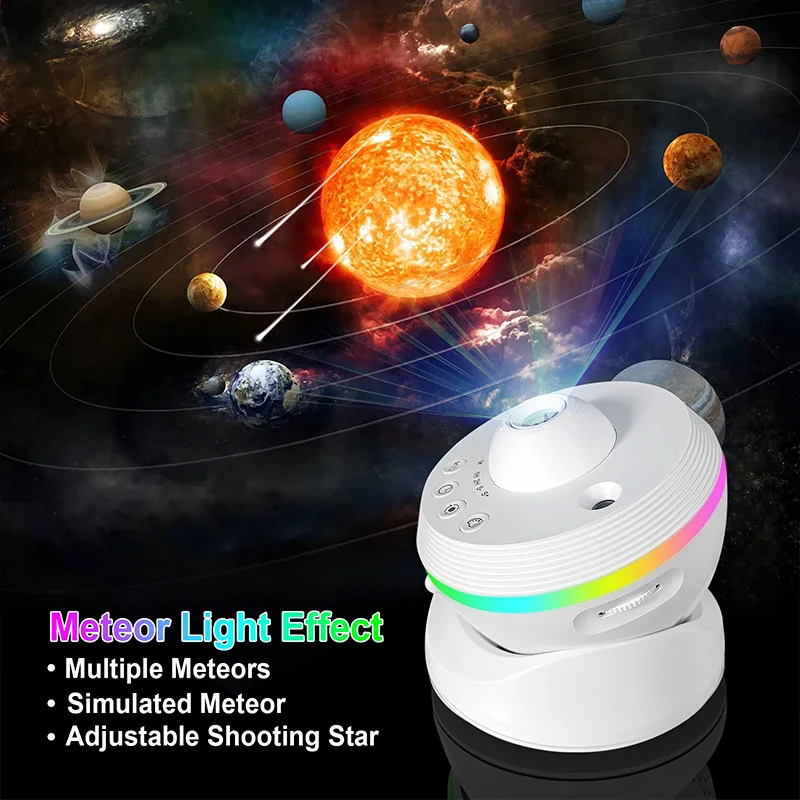
- 1 Power On/Off & Meteor On/Off Button: Long press to power on or off device, short press to switch on/off meteor effect. When the meteor is activated, the meteor indicator lights up; when deactivated, the indicator goes off.
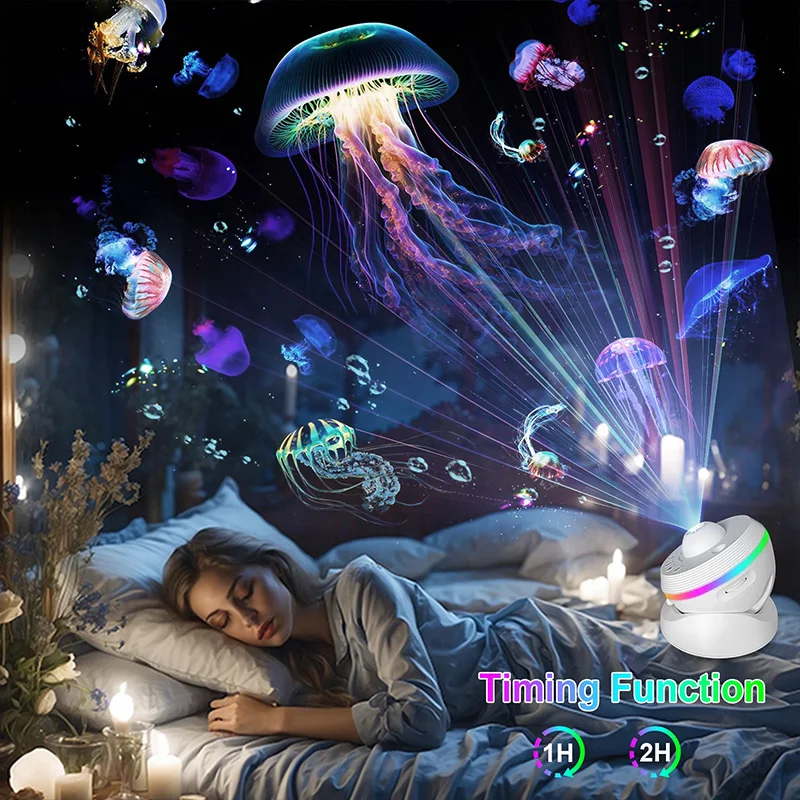
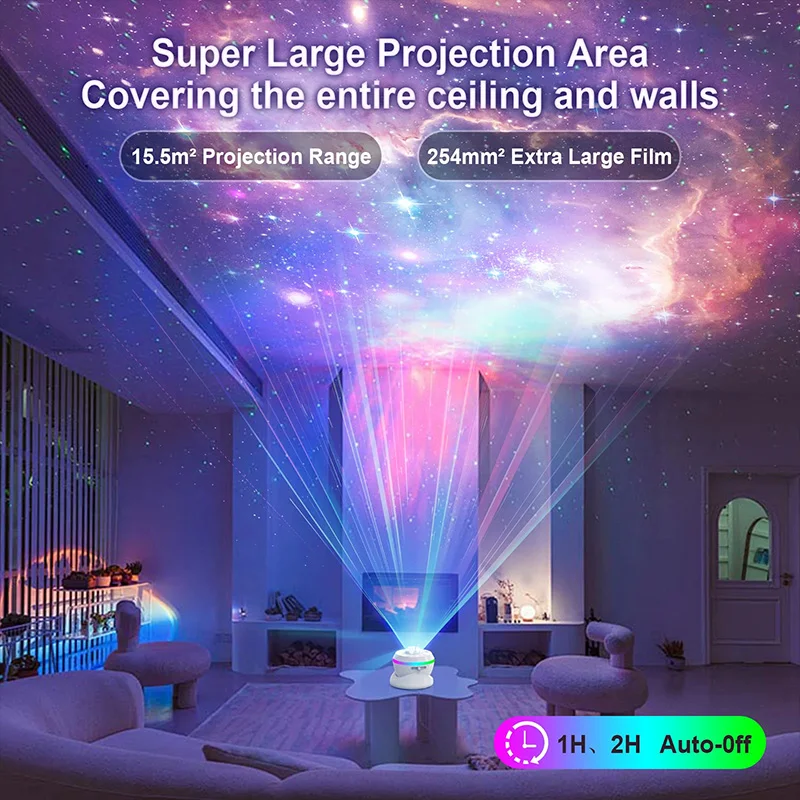
- 2 Timer Button: Sets the device's timer shutdown. Short press to cycle through timer settings: one-hour timer shutdown, two-hour timer shutdown, and cancel timer shutdown (automatically enters the default 4-hour auto-shutdown state). The indicator above the timer button shows the current timer setting: "1H" indicates one-hour mer shutdown, and "2H" indicates two-hour auto-shutdown.
- 3 Rotation Speed Button: Sets the projection rotation speed, defaulting to slow rotation. Short press to cycle through speed settings: slow rotation, fast rotation, and stop rotation. The indicator lights show the current speed setting: "S-" for slow, "S+" for fast, and both off for "stop."
- 4 Varicolored Light Button: Defaults to seven-color gradient. Short press to cycle through varicolored effects: Varicolored Light Effect 1, Varicolored Light Effect 2, Varicolored Light Effect 3, Varicolored Light Effect 4, White Night Light, Warm White Night Light, and turn off varicolored light. Long press to adjustvaricolored light brightness: first long press increases brightness step by step, another long press decreases brightness step by step. In the off state, short press activates or deactivates the varicolored light independently.
- 5 Meteor Effect Knob: Rotate to adjust different meteor effects.
Film Discs Replacement Instructions:
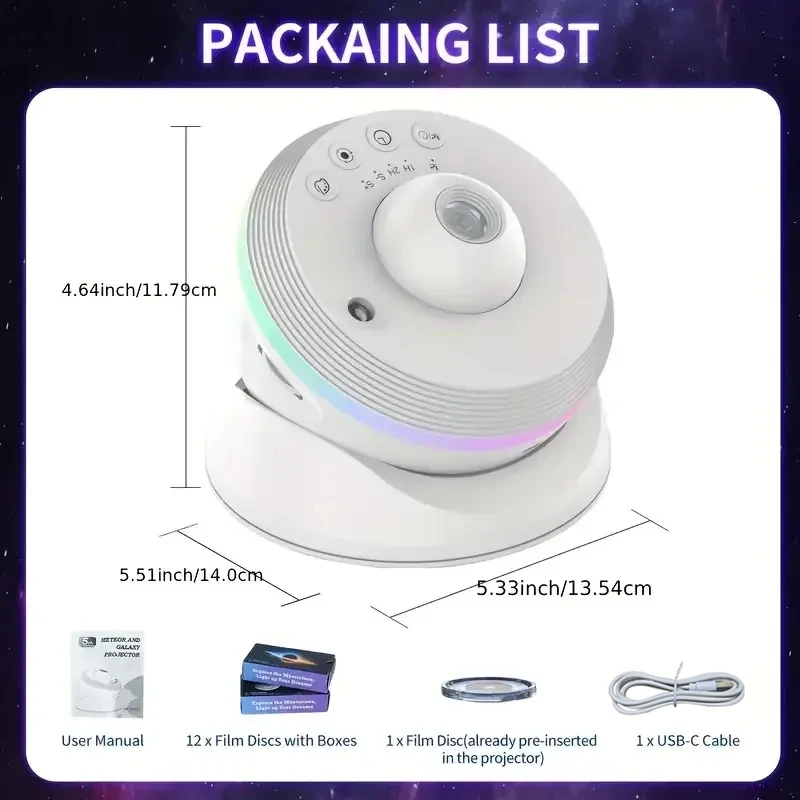
(1)Standard Configuration: This product comes with 12 pieces of q18mm large pattern film discs.
(2) When installing the film disc, ensure that the film disc is positioned with the marked "UP↑" facing upwards and insert it into the slot aligned with the groove. Then, firmly grip the film gear and rotate it clockwise until it securely locks into place within the film disc card slot.